

Skip to Content

V2XP Document Camera – Key Specializations

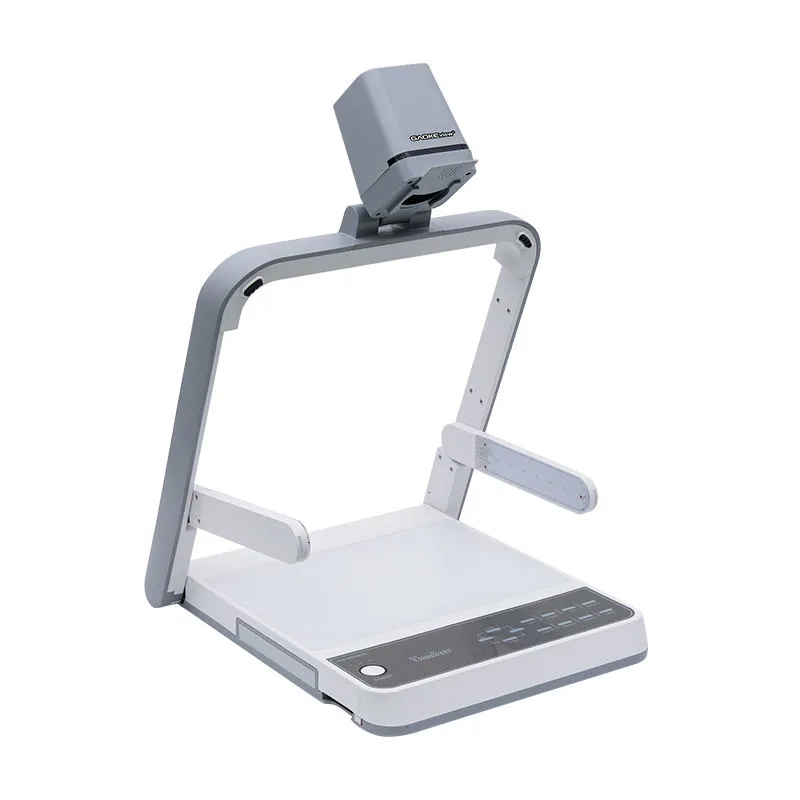
The V2XP Document Camera is a versatile and user-friendly solution designed for teaching, training, and professional presentations. With its compact and modern design, it delivers powerful performance and intuitive control for a seamless experience.

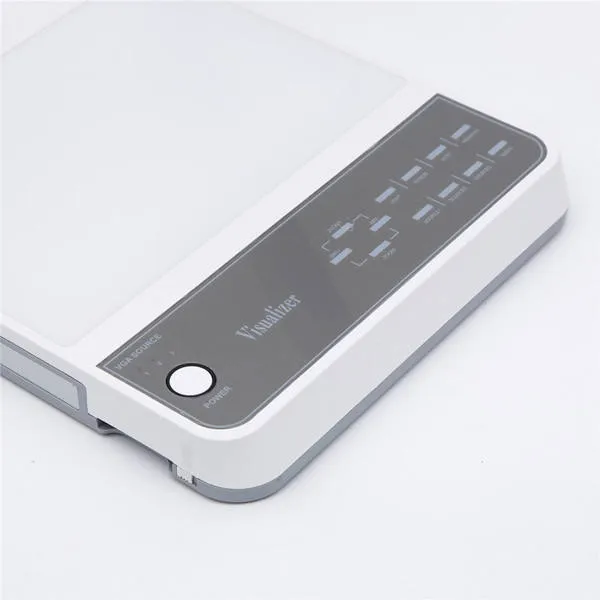
Featuring a 5-inch high-resolution LCD preview display with touch controls, users can easily manage functions such as photo and video recording, image rotation, and freeze directly from the device. The stepless zoom control with a rotary knob ensures precise detail capture for documents, books, and 3D objects.

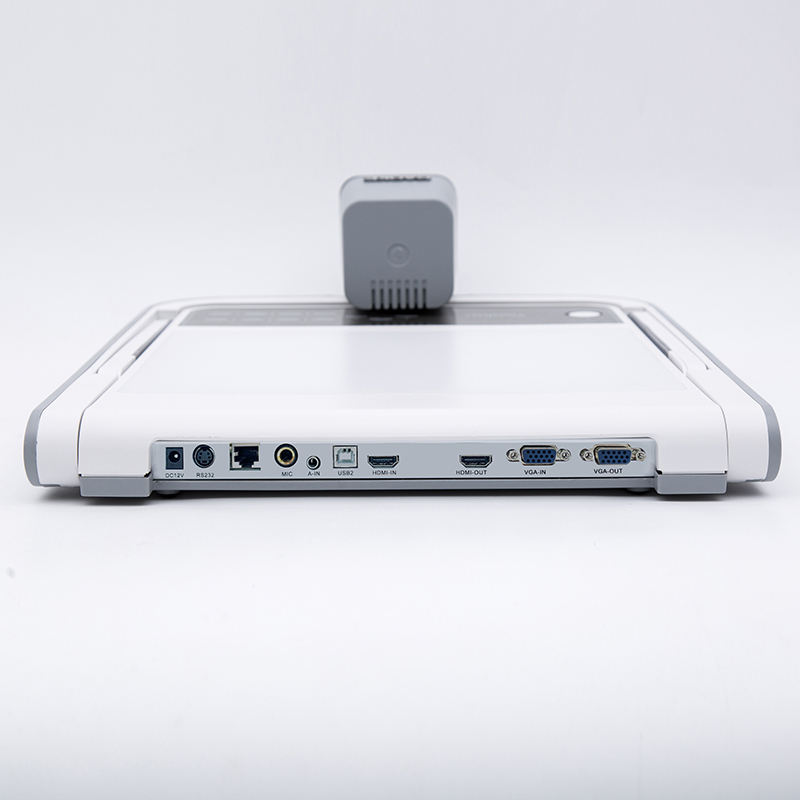
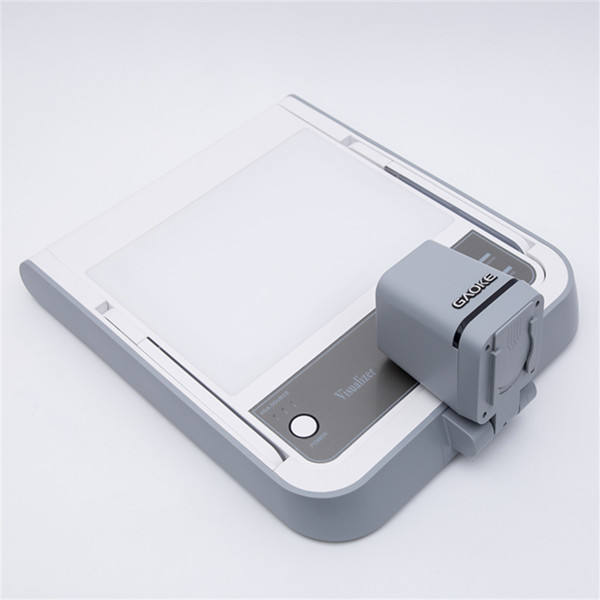
Supporting multiple output options with PC-free functionality, the V2XP connects directly to projectors, monitors, and interactive displays for quick and hassle-free setup. Its foldable arm and portable design allow flexible positioning and easy storage.

0.00 Rs 0.00 Rs
Terms and Conditions
30-day money-back guarantee
Shipping: 2-3 Business Days

Hardware Specifications 

  • Sensor: Sony 1/3.2" CMOS
  • Resolution: Up to 3264 × 2448
  • Frame Rate: Up to 60fps (smooth real-time display)
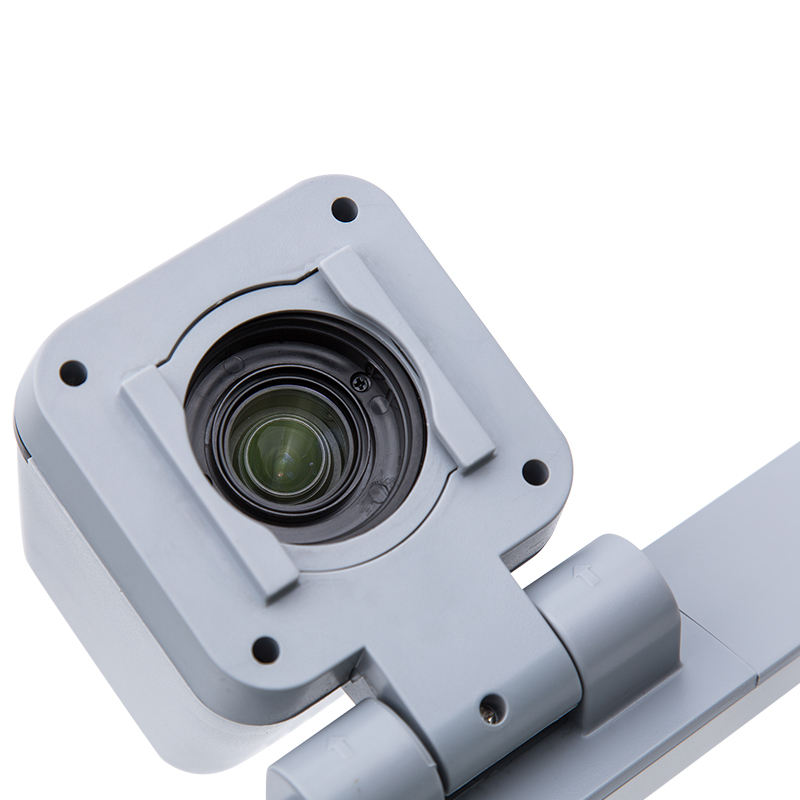
  • Optical Zoom: 14× optical precision zoom
  • Digital Zoom: 10× extended zoom
  • Lens Aperture: F1.5 for enhanced brightness

 Capture & Imaging

  • Focus System: Fast Auto Focus
  • Shooting Area: Max A3 (297 × 420 mm)
  • Illumination: Adjustable LED lighting system
  • Display: 5” high-resolution LCD preview

Smart Control System

  • Rotary Control Knob: AF / OK, Zoom In / Out
  • Touch Controls:
    Freeze • Rotate • Record • Snapshot • Back • Menu • Light • Source
  • Microphone: Built-in for audio capture

 Connectivity & Interfaces

  • HDMI Input / Output
  • VGA Input / Output
  • USB ×2
  • SD Card Slot
  • LINE In / LINE Out

 Power & Build

  • Power Supply: 12V / 1A
  • Dimensions (H × W × D):
    515 mm × 389 mm × 543 mm
  • Design: Foldable, compact, and highly portable

 In the Box

  • V2XP Document Camera
  • Power Adapter
  • Remote Control
  • USB Cable
  • HDMI Cable
  • User Manual
  • Quick Start Guide